PokeTrax
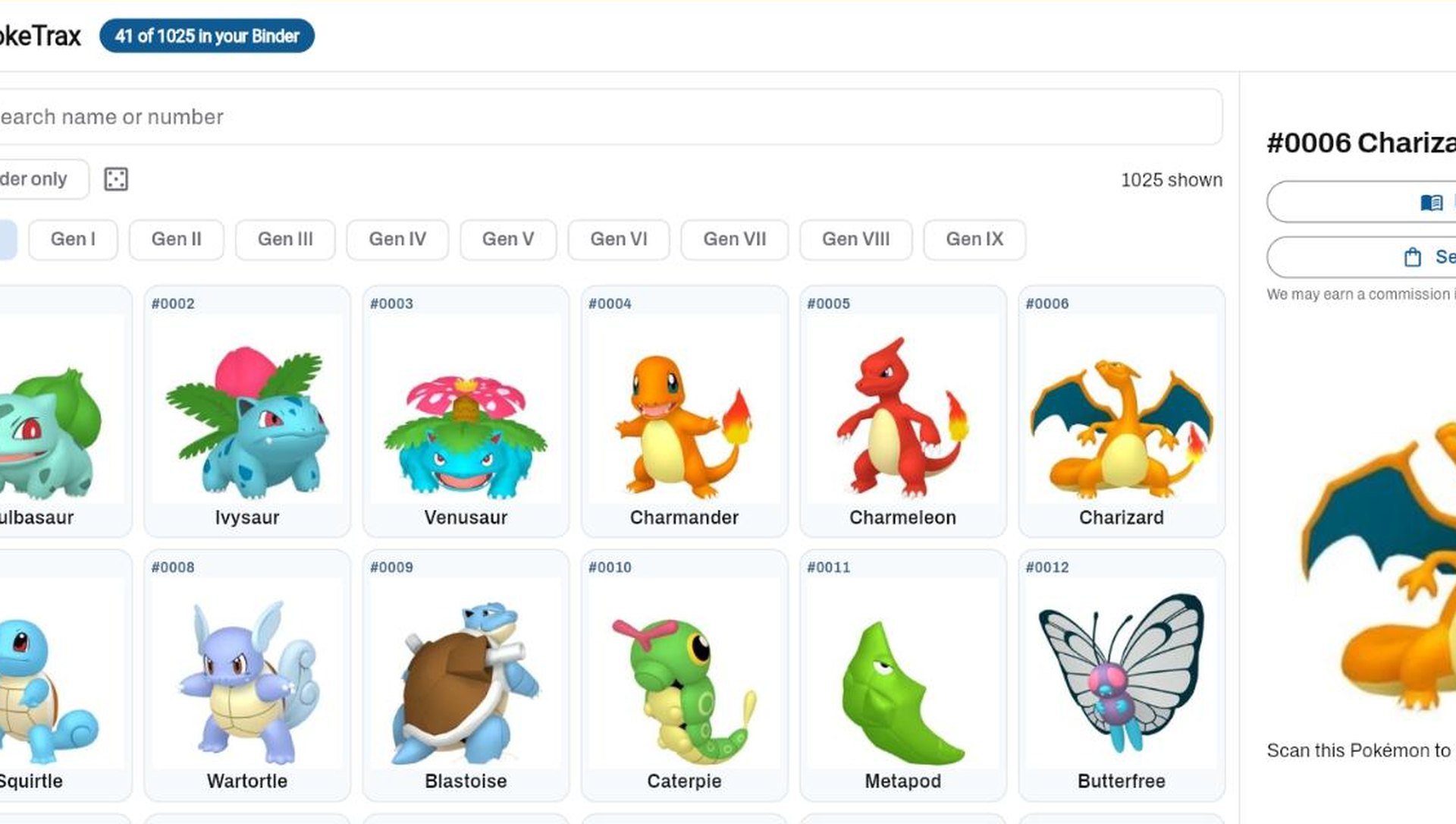
All 1,025 Pokémon, six across, with the one you tap open beside the grid. Which you own, which card represents each one, and where the gaps are.
Everything the app does, on a screen with room for it — and the things a phone is the wrong size for: high-speed scanner intake, batches in a grid, bulk edits, listings you can see side by side, and a consignment desk. Scan on the phone and your cards are here when you sit down; change one here and the phone has it. It is one account, and nothing has to be synced by hand.
It uses the same account as the app — sign in with the email and password you use there, or with Google or Apple.
All 1,025 Pokémon, six across, with the one you tap open beside the grid. Which you own, which card represents each one, and where the gaps are.
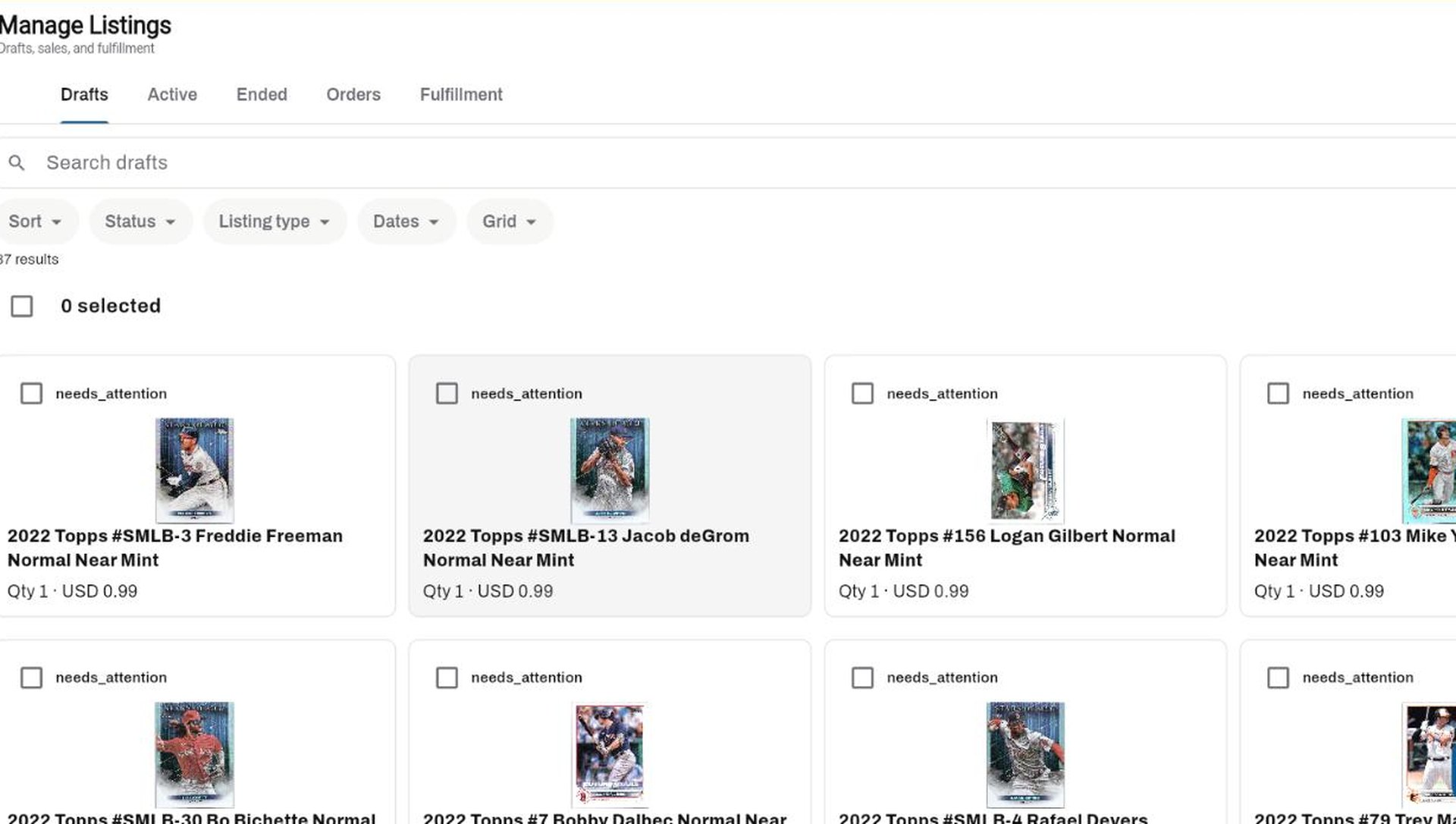
Drafts, active, ended, orders and fulfillment as tiles, a list or a grid. Select all, publish in bulk, and see the photos you are about to sell with.
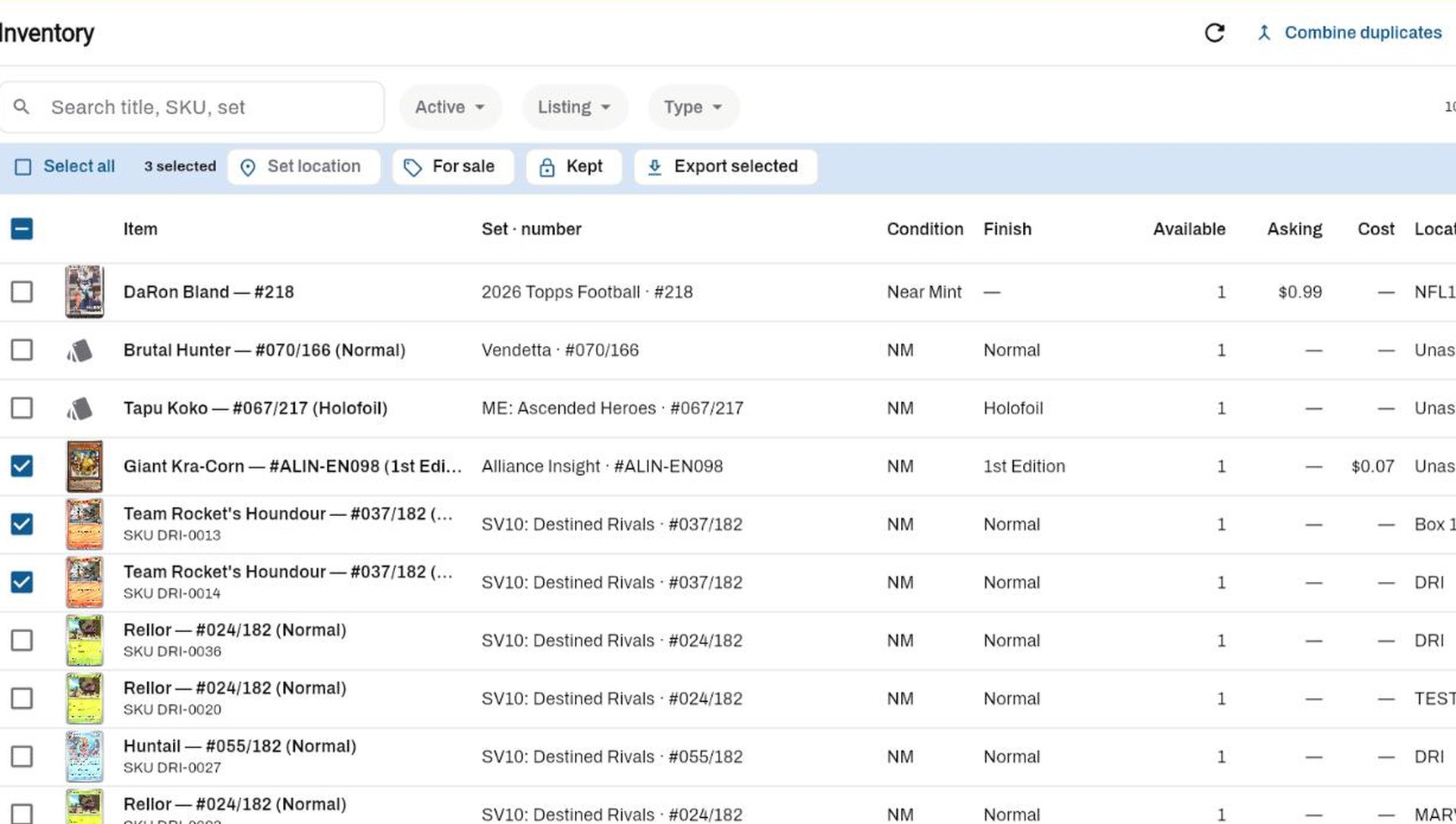
Table, tiles or grid. Tick what you want, set the storage location or mark it for sale in one go, and export just those rows.
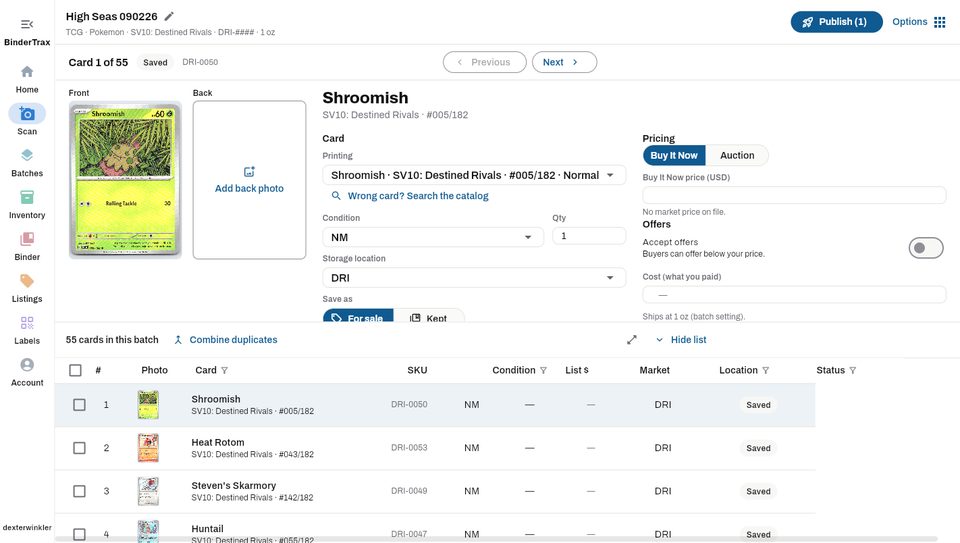
Scan, review and edit card details with a large preview while the batch stays visible.
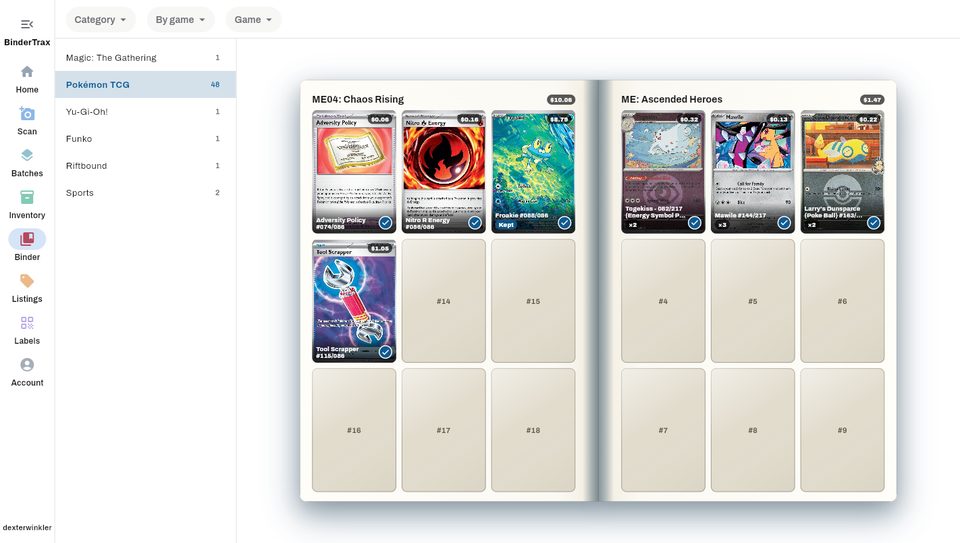
Organize your collection with a digital binder that shows how you collect.
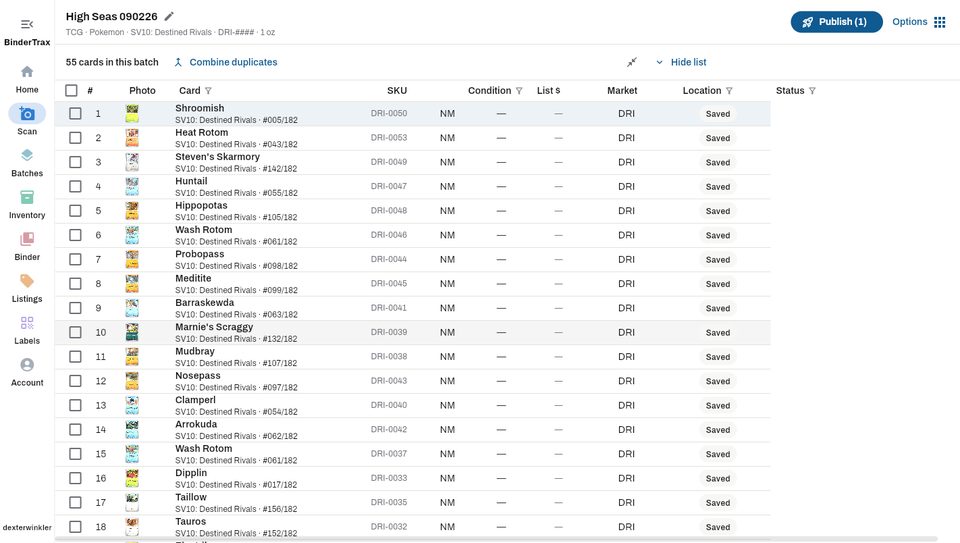
Compare, sort and edit your entire batch in a clean, familiar table.
One account, two screens
The portal is included from Collector ($9.99/mo): the Binder, your inventory, PokeTrax, the want list, the Centering Tool, batch intake, bulk edits, title templates and eBay listings, variations and lots are all on a real screen. The buy list starts with Seller, the Dealer Hub and show prep with Dealer, and the consignment desk is Enterprise. A scan costs the same wherever you make it, so your plan’s monthly scans are the same pool on the phone and in the browser.
Browse the Binder page by page, track PokeTrax six Pokémon across, search and edit inventory, and keep a want list — all in the browser, on the same account as the app. Quick Access hides the sections you do not use and pins the ones you do.
Collector and upUpload the front and back, or pick a card from your inventory and measure the scans you already have. Drag the lines to the card you can see, then save the reading against the card.
Collector and upSearch by name, set, rarity and — for Pokémon — language, with every match paged in rather than the first hundred. The want list is what you are hunting; the buy list (Seller and up) is what you will pay for cards brought to your table.
Collector and upChoose the game, set, condition, storage location, SKU pattern, shipping details and listing defaults once. Cards inherit those choices as they are added.
Collector and upUse your scanner’s own software to save images, then upload them to a batch. The Direct Scan desktop helper can also watch an output folder and send new images to BinderTrax. Phone photos and QR capture are supported too.
Collector and upMove between split and spreadsheet views, make bulk edits, publish listings, variations or lots, then manage Binder, inventory and labels from the same workspace.
Collector and upCustomers, rate ladders that step down as the sale price goes up, named fees at intake, sale, unsold or payout, batches with reference numbers, and payout statements with the paperwork attached. The way the trade actually charges, as records instead of a spreadsheet.
Enterprise