Listing-ready photos
Front, back, stitched view and corner close-ups from the scans you already captured.
Scan on your phone or import batches from high-speed card scanners. Apply bulk edits, reuse title templates and listing defaults, and carry your own photos and inventory details through to eBay listings.
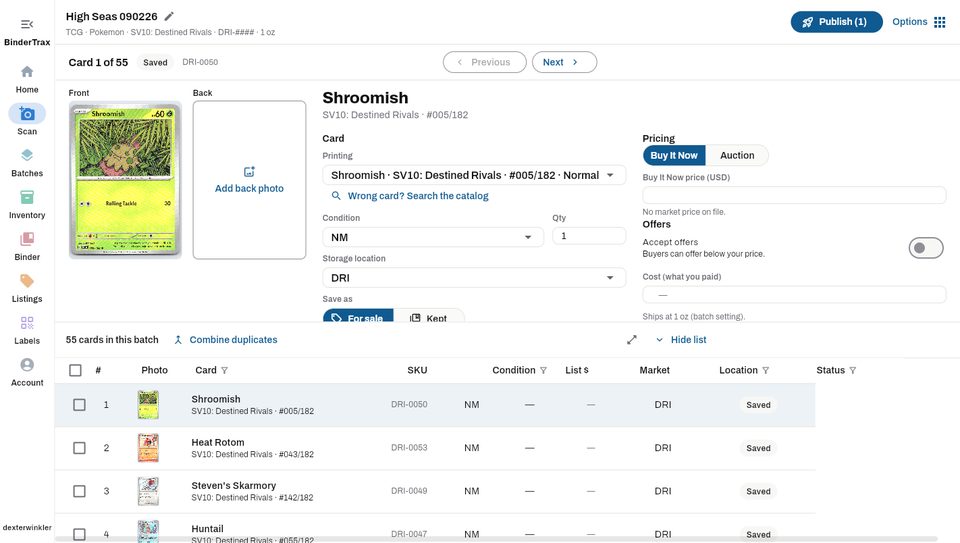
Front, back, stitched view and corner close-ups from the scans you already captured.
Reusable templates keep listing titles consistent with the way your store sells.
Save common listing choices so each batch starts closer to ready.
New listing workflow
BinderTrax can create one clean side-by-side image from your front and back scans, then make four corner close-ups from those same photos.
Build several title formats for the way you sell, set an account default, and choose a different one for any batch when needed.
Save common listing choices so new items and batches start with the status and eBay settings you actually use.
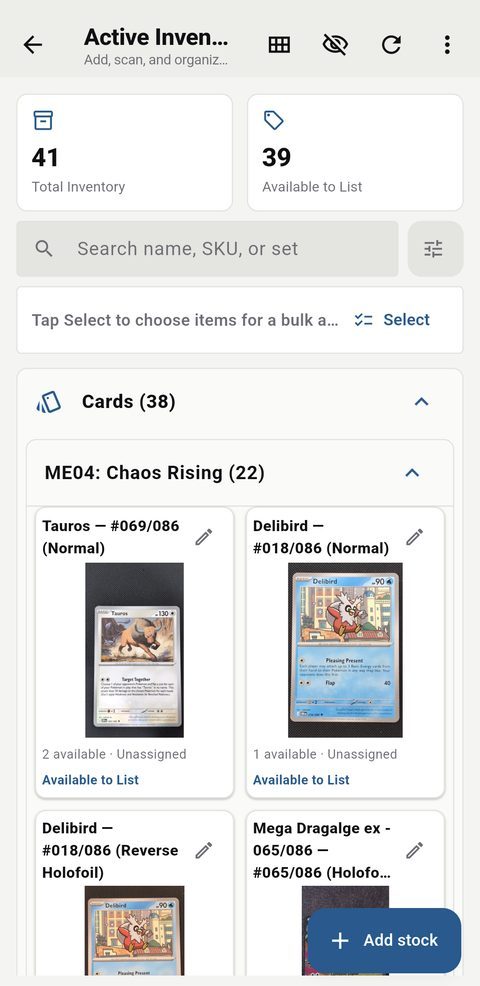
Condition, cost, price, quantity and storage location stay together.
Each copy keeps its condition, cost, asking price and storage location with the photo you took.
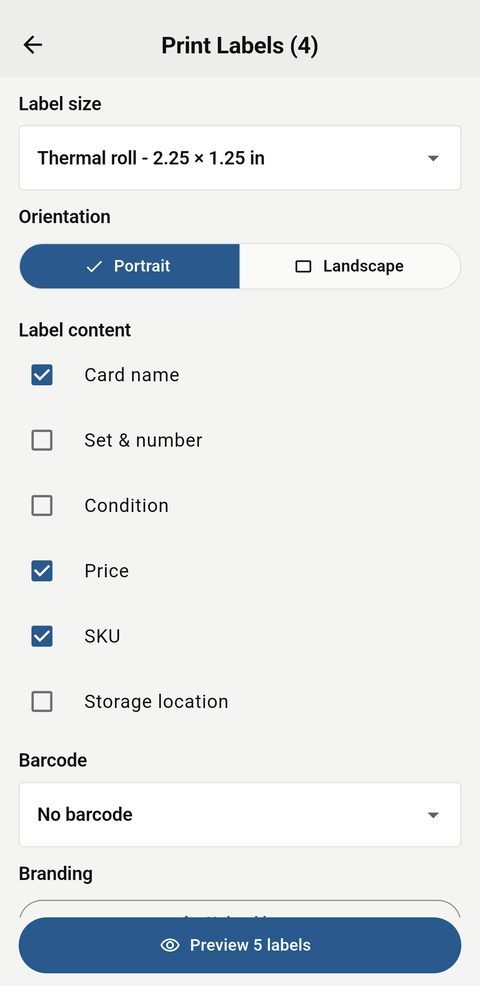
Print price and inventory labels on thermal rolls or Avery sheets and scan the same label at checkout.
Your own photos, your naming style and your selling defaults follow the batch.
BinderTrax can prepare the front, back, a stitched front-and-back image and four corner close-ups.
Create named templates using fields such as card, set, number, condition, finish and grade.
Choose how newly added items should start and save your common eBay settings.
Build variation listings from cards in the same set, combine duplicates when appropriate, or create mixed lots from a selection.
When a draft is ready, publish it to eBay or leave it ready for later.
Checkout and online listings stay tied to the stock you actually have.
Scan a label, record the sale and reduce the same inventory you use online.
Build a packing list, print labels, sell from that stock at the table and review the show results afterward.
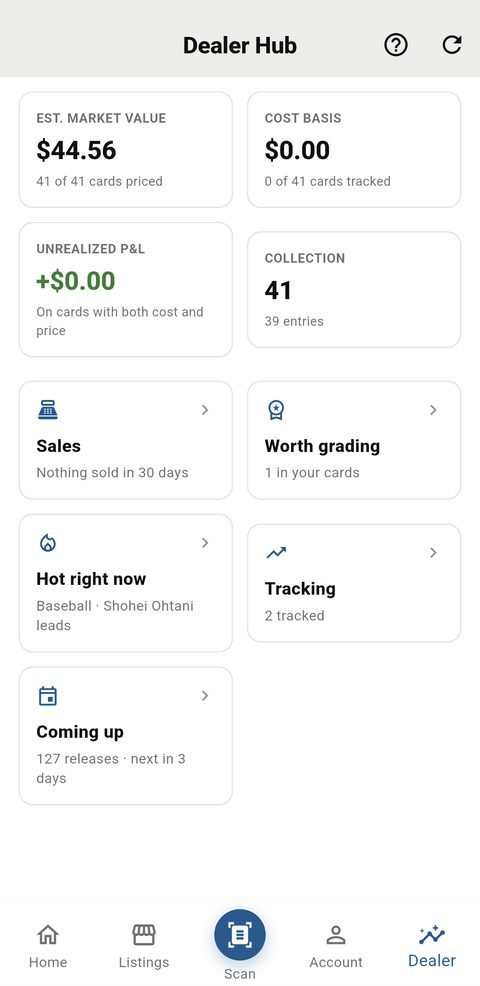
See what is moving, what may be worth grading and how your inventory is performing.
Review cards where the potential graded value may justify the grading cost.
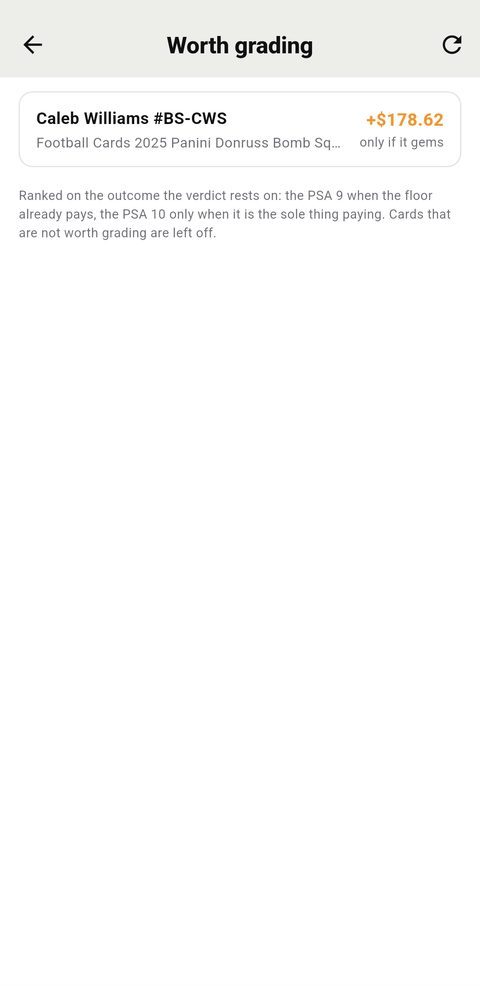
Follow cards, players and sets, review inventory value and cost basis, and keep sales and profit information connected to the items that created it.
Customers, rates, fees, batches and payout statements, in the portal, the way consignors actually charge.
A customer’s commission steps down as the sale price goes up, with a flat amount where you charge one. Listing, intake, unsold and payout fees sit beside it, per card or per batch, and are copied onto every new batch so a later edit never reprices an agreed one.
Every submission is a batch with a reference number and intake date. Mark cards sold, relisted or returned, issue a payout statement of sales less commission less fees, and keep the intake sheet, signed agreement and receipt attached to the customer, the batch or the card.